Intro to CSS
CSS BOX Model
All HTML elements can be considered as boxes. In CSS, the term “box model” is used when talking about design and layout. The CSS box model is essentially a box that wraps around every HTML element. It consists of: margins, borders, padding, and the actual content. The image below illustrates the box model:
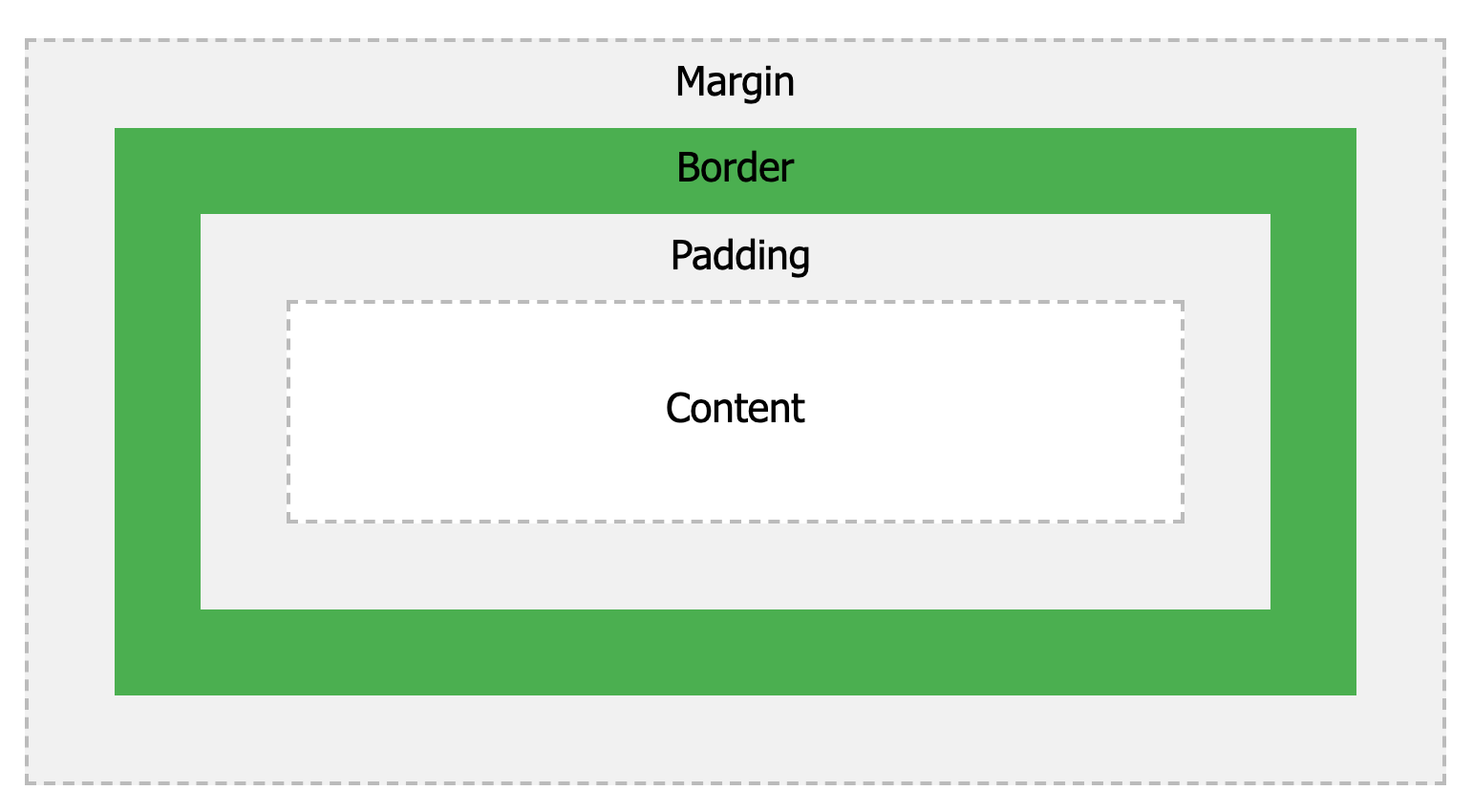
Fig. CSS box model
Explanation of the different parts:
- Content - The content of the box, where text and images appear
- Padding - Clears an area around the content. The padding is transparent
- Border - A border that goes around the padding and content
- Margin - Clears an area outside the border. The margin is transparent
The box model allows us to add a border around elements, and to define space between elements.
Exercise
- Calculate total width and height of the element from given markup
1 2 3 4 5 6 7 8 9 10 11 12 13 14 15 16 17 18 19 20 21 22 23 24 25 26 27 28 29 30 31 32 | <!DOCTYPE html>
<html>
<head>
<style>
div {
background-color: lightgrey;
width: 300px;
border: 15px solid green;
padding: 50px;
margin: 20px;
}
</style>
</head>
<body>
<h2>Demonstrating the Box Model</h2>
<p>
The CSS box model is essentially a box that wraps around every HTML element.
It consists of: borders, padding, margins, and the actual content.
</p>
<div>
This text is the content of the box. We have added a 50px padding, 20px margin
and a 15px green border. Ut enim ad minim veniam, quis nostrud exercitation ullamco
laboris nisi ut aliquip ex ea commodo consequat. Duis aute irure dolor in reprehenderit
in voluptate velit esse cillum dolore eu fugiat nulla pariatur. Excepteur sint occaecat
cupidatat non proident, sunt in culpa qui officia deserunt mollit anim id est laborum.
</div>
</body>
</html>
|